Session history
Review completed check-in and check-out sessions and time spent trading.
Know where your trading time goes.
Session History records the time you spend in the trading workspace. Check in when you begin and check out when you finish, then use the saved sessions to understand your daily routine.
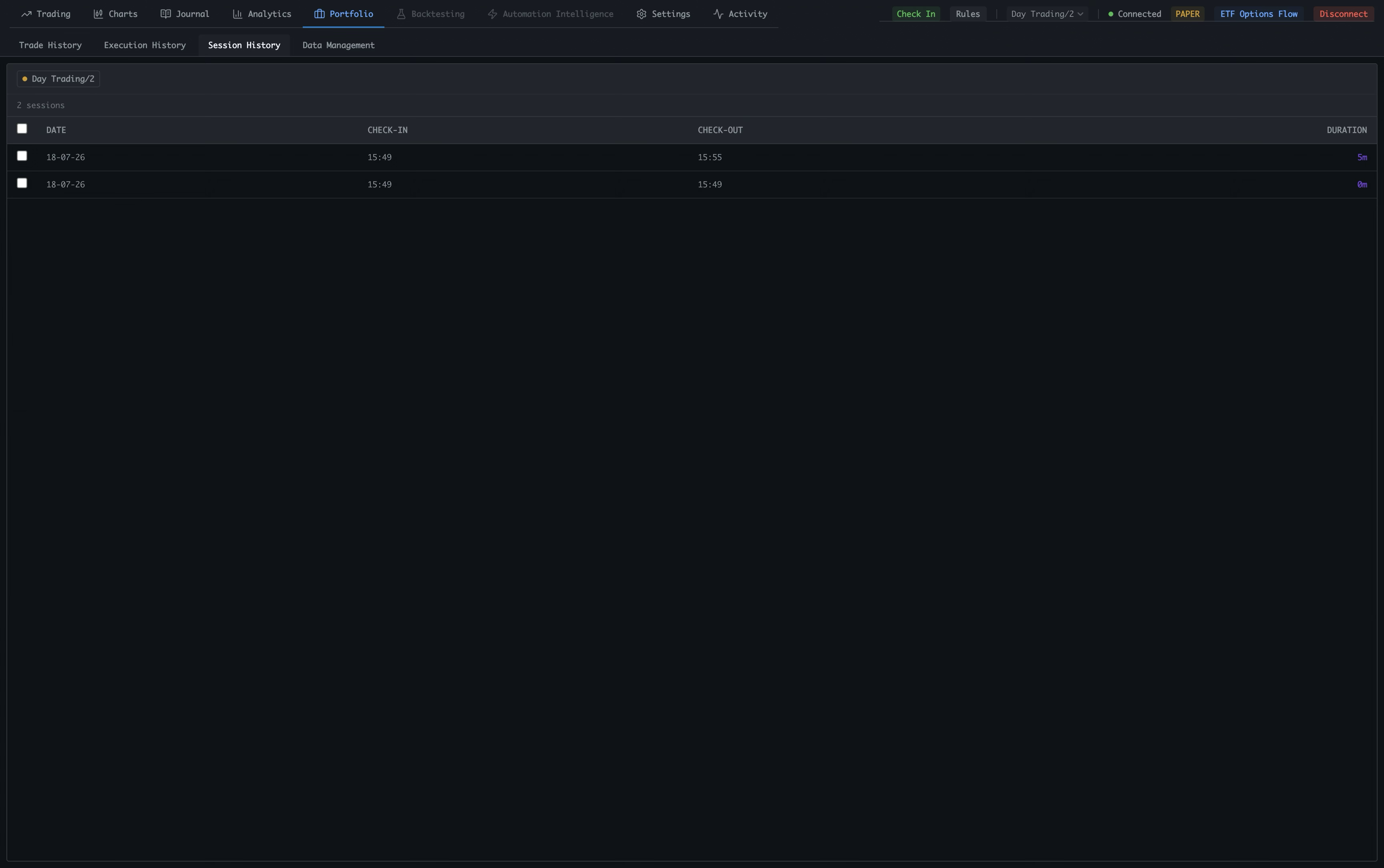
Open Portfolio
Use the top navigation to move into Portfolio, where Spectral keeps your trading records and time history together.
Select Session History
Choose Session History from the Portfolio tabs to see completed work sessions for the account shown in the header.
Keep the account in context
The account label identifies which account the sessions belong to. Check the active account before starting a new session.
Track the whole session
Use Check In in the top-right header when you start, then use the same control to check out when you finish. The active timer runs while you work, and checking out saves the final duration.
Read the time boundaries
Each row shows the date, exact check-in time, and exact check-out time. These boundaries are what Analytics uses to split time across market sessions.
Use the calculated duration
Duration shows how long the completed session lasted. Review it alongside the date to see how much time each work period required.
Build a useful time record
Create separate sessions when your work has clear starts and stops, such as premarket preparation followed by regular-hours trading. Analytics can later summarize total time, daily time, average session length, and time spent premarket versus during regular hours.
Track the process around the trades. A session can include preparation, execution, and review. Recording those boundaries makes time spent before the open and during regular trading hours visible later in Analytics.