Trade Manager
Prepare entries and manage open positions from one focused surface for stocks and options.
One manager for the whole trade.
The Trade Manager has two clear sides: Buyers prepares an entry, while Sellers manages the position after it is open. The same structure works across stocks and options.
Keep every stock and options position within reach.
It is always the same Trade Manager, with access to your stock and options positions. Use it in the Trading view, beside Spectral Native Charts, or extended next to any other charting tool.
Trading view
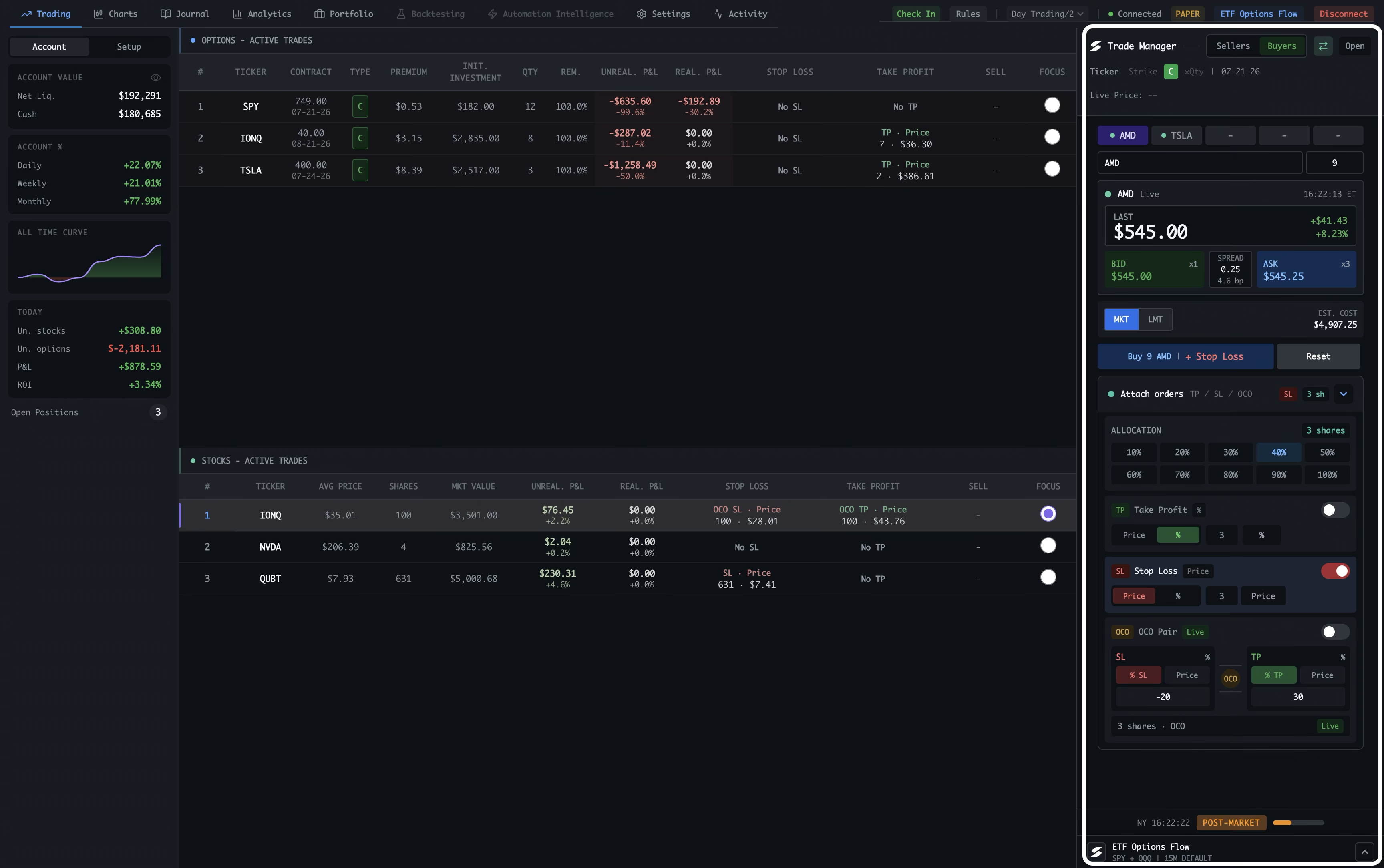
Keep the Trade Manager beside the active stock and options tables in the main Trading workspace.
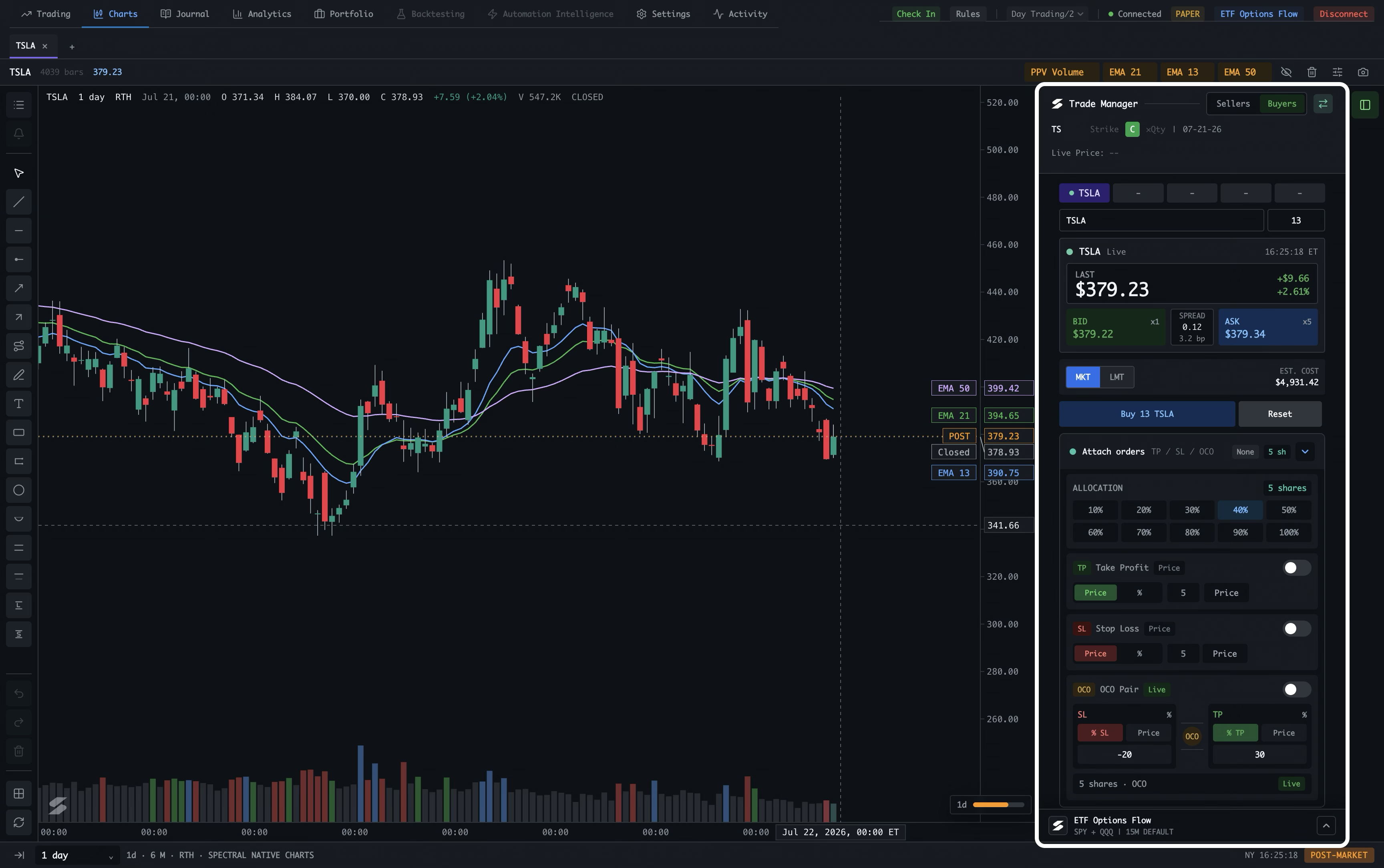
Spectral Native Charts
Use the same manager alongside a native chart, so chart context and execution controls stay visible together.
External charting workspace
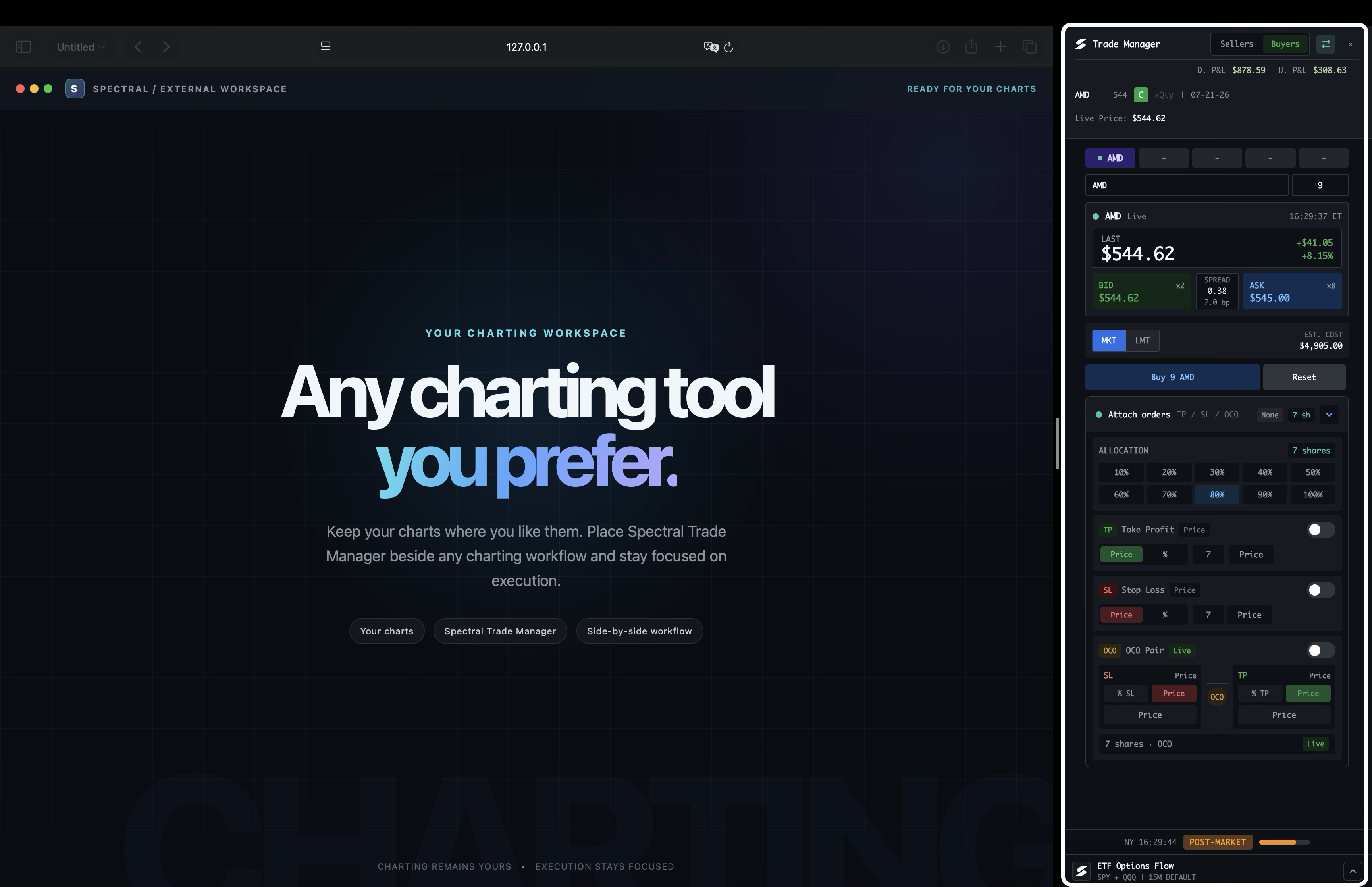
Open the extended Trade Manager beside any charting tool you prefer while retaining access to all stock and options positions.
Switch instrument mode wherever it is supported.
This is a workspace-wide Stocks/Options control, not a Trade Manager-only feature. It appears in supported views where both instruments are available, including Trading, Charts, and related workflows. Click it to switch quickly while staying in context; Spectral preserves the relevant mode state when you switch back.
Stocks
Start with the side of the workflow you want to understand.
Options
The same Buyers / Sellers flow, with contract-specific controls for strikes, expiry, and premium.